


.webp)

Being the only sales engineer on a team means doing the work of three people on the budget of none. You run the live demo, scope the POC, fill out the security questionnaire, draw the architecture diagram, and still make your next discovery call on time. The tools that promise to help are usually priced for big teams with real spend. Product marketers fight the same squeeze, and their budget tool picks overlap with an SE's more than you'd expect. The stack below is built for the solo SE who has to cover every base alone. Most of it is free or close to it.
Key takeaways
- A solo SE has to demo, document, and answer technical questions all at once. The right budget stack covers each job without a spend approval.
- The most presales-native tools are cheaper than you think. Interactive demo software now has free tiers that used to cost real money.
- Answering technical questions is the biggest time drain in the role. Automating RFPs and security questionnaires buys back the most hours.
- You do not need a big stack. Seven well-chosen tools cover the full presales motion.
Build and Send Demos
The demo is the heart of the SE job, but you cannot be in every room at once. These tools let you build a walkthrough once and put it in front of as many people as you need, whether that is a self-guided click-through or a quick recorded screen share.
1. Supademo
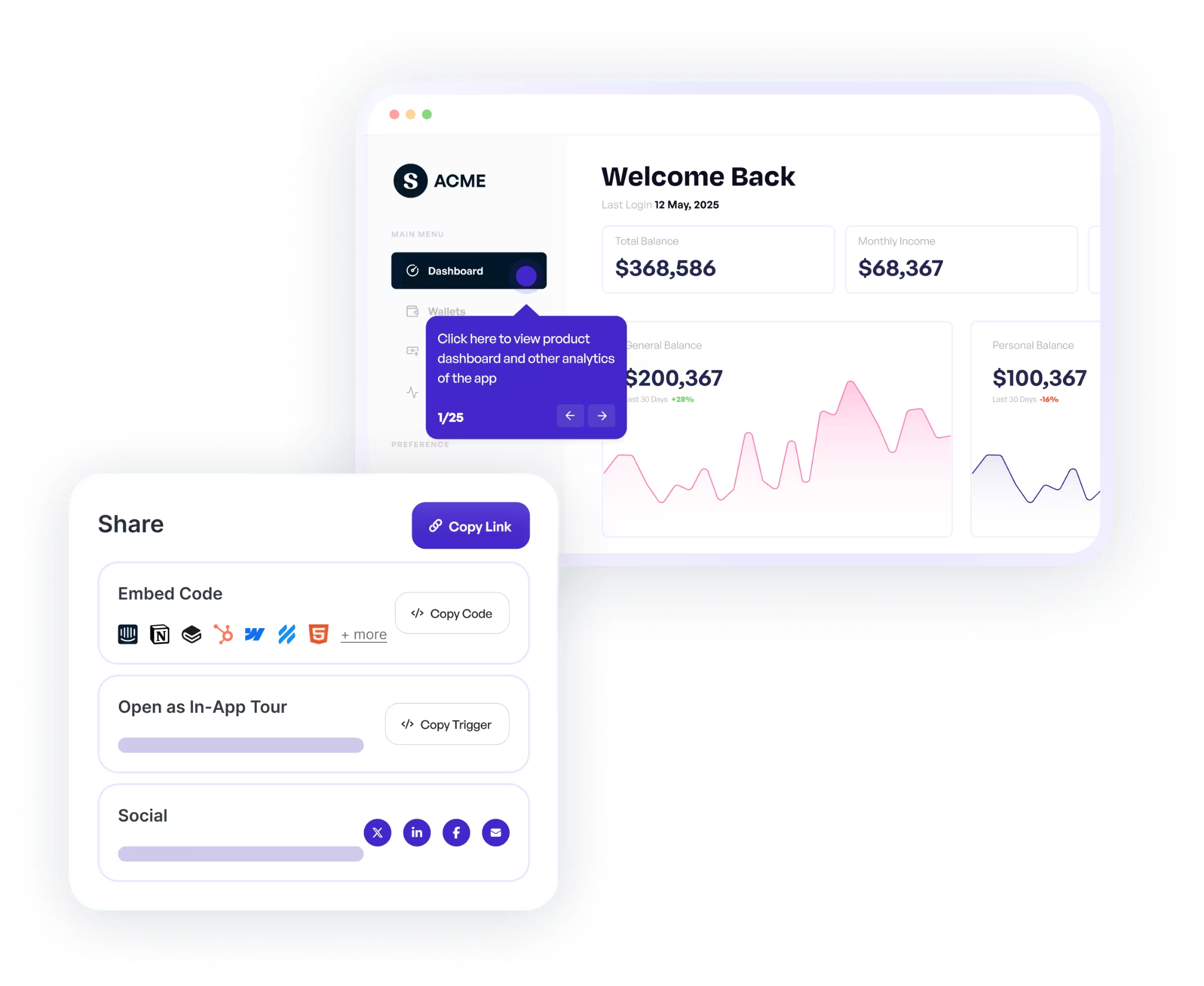
Self-guided demos are how you reach the stakeholders who never make it to the live call. Supademo lets you record a click-through walkthrough of your product and send it as a link the prospect can explore on their own. The free plan covers five demos, which is plenty to test whether interactive demos move your deals. For a solo SE, this is the fastest way to be in ten conversations at once without booking ten meetings.
2. Loom
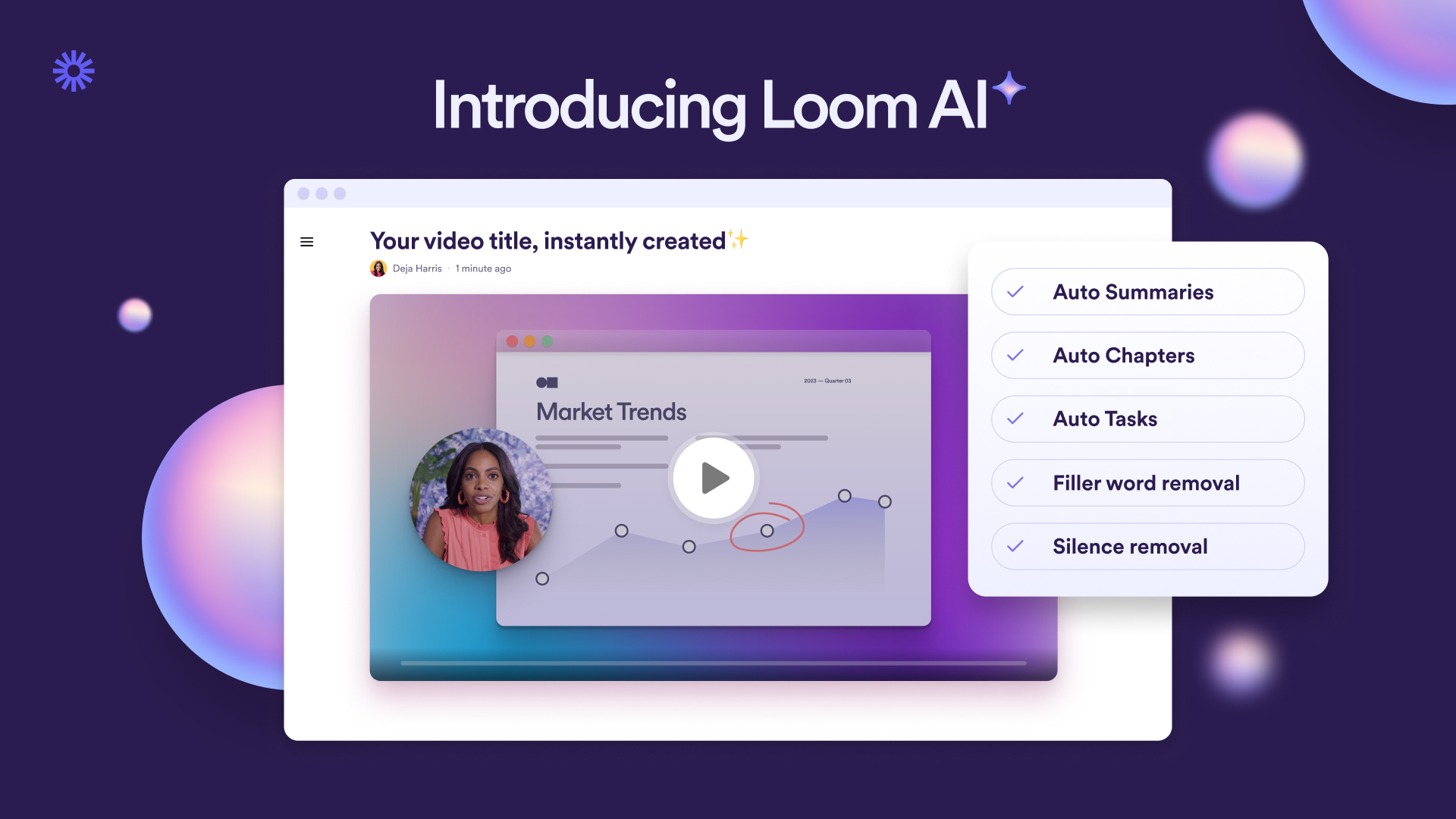
Not every demo needs to be interactive. Sometimes you just need to record your screen and talk through it. Loom does that with a free tier that covers most early needs and a clean way to share links. When a prospect asks "can you show me how that one part works," a two-minute Loom usually beats another call. If you want more control over production and do not want to pay, OBS Studio is the free, heavier-duty option.
3. diagrams.net
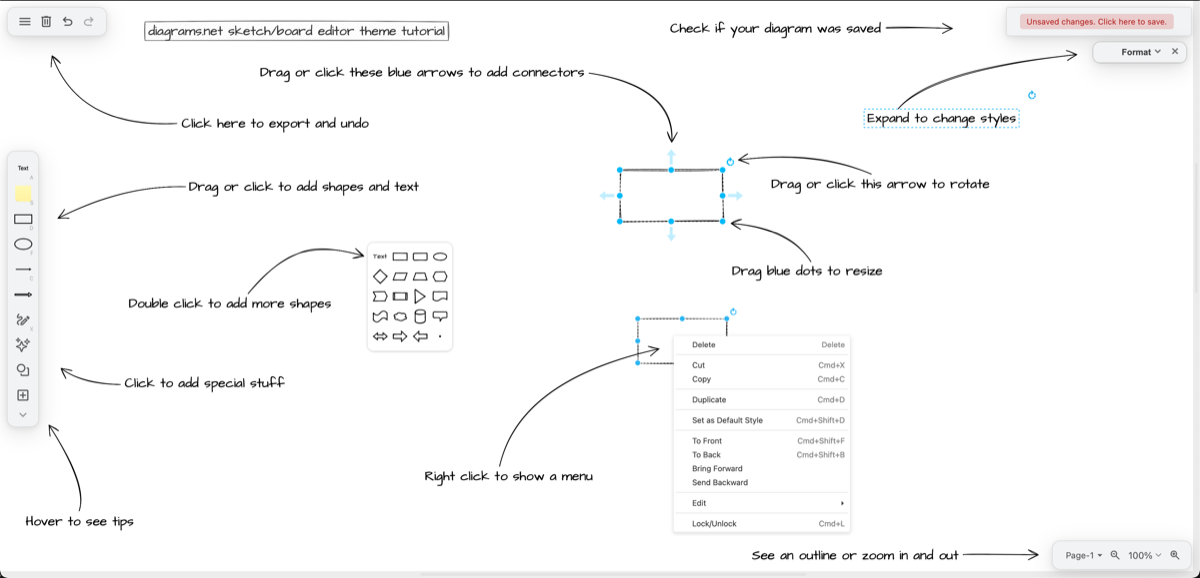
Architecture diagrams come with the territory, and you do not need an expensive license to draw them. diagrams.net, also known as draw.io, is completely free and runs in your browser. It connects to Google Drive and other storage, so your diagrams live next to the rest of your deal notes. A clean diagram often closes a technical objection faster than a paragraph of explanation.
Answer the Hard Questions
Every technical question, RFP, and security questionnaire eventually finds its way to you. The trick is not answering faster by hand. It is building a system that remembers your best answers so you are not solving the same problem twice.
4. 1up
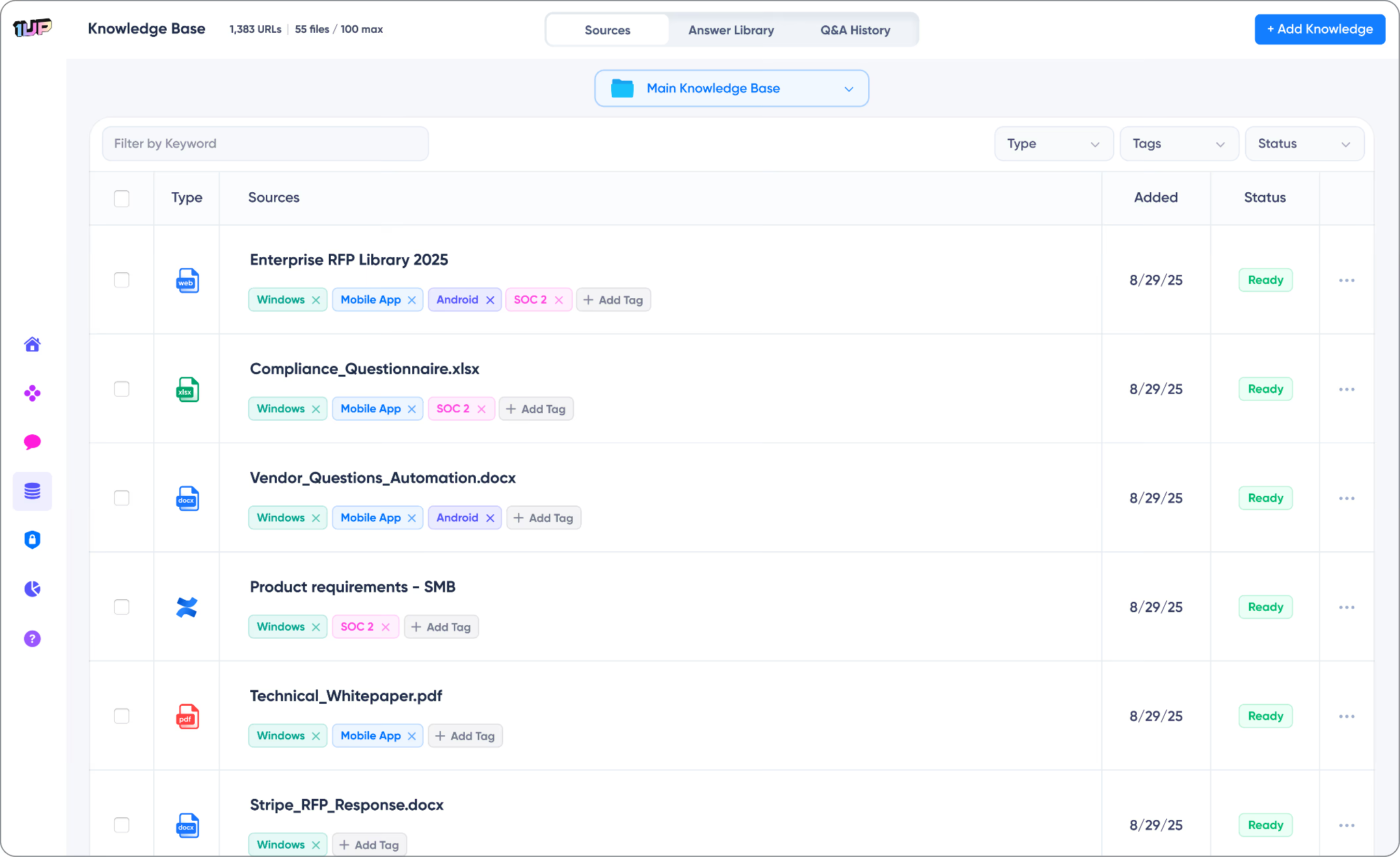
This is a part of the job nobody warns you about. As the solo SE, you become the human search engine for every technical question, RFP, and security questionnaire that lands on the team. Answering all of it by hand eats your week. 1up automates that knowledge work, pulling accurate answers from your existing material in seconds and filling out questionnaires in Excel, Word, and PDF. That is exactly where solo SEs lose the most hours. There is a free plan that covers 50 answers a month, so you can test it on real questions before you spend a dollar. When you outgrow that, the Starter plan runs $300 a month with unlimited answers and your first questionnaire automation included.
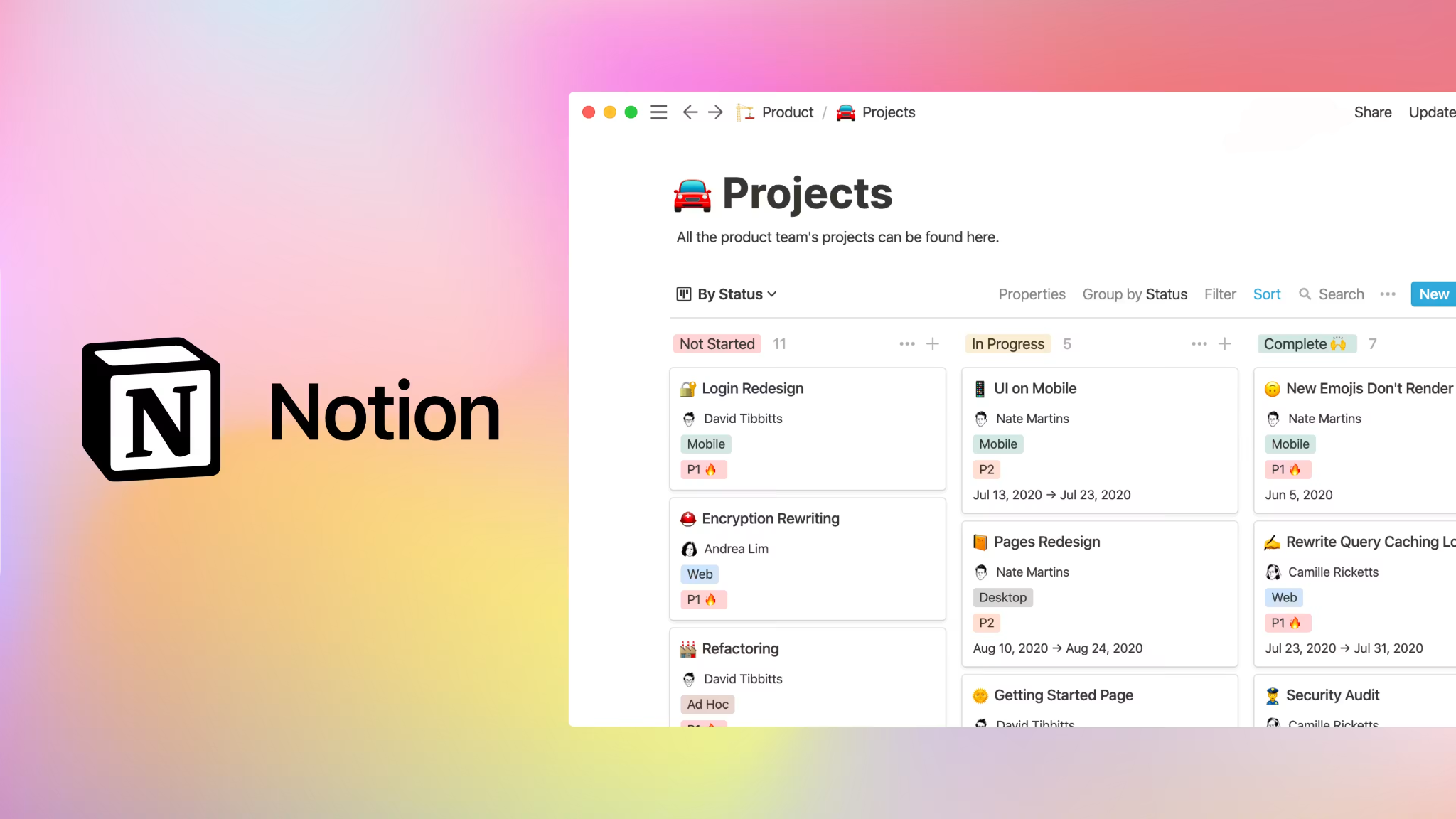
5. Notion
Your discovery notes, demo scripts, objection responses, and competitive intel all need one home. Notion gives you that for free on the personal plan. Build a page per account and a master library of your best answers. Over time it becomes the place you check before every call, so you are never starting a question from scratch.
Run Discovery and Stay Organized
Good discovery and tight follow-up are what separate a deal that closes from one that stalls. These tools help you capture what you learn on every call and keep the back-and-forth from eating your calendar.
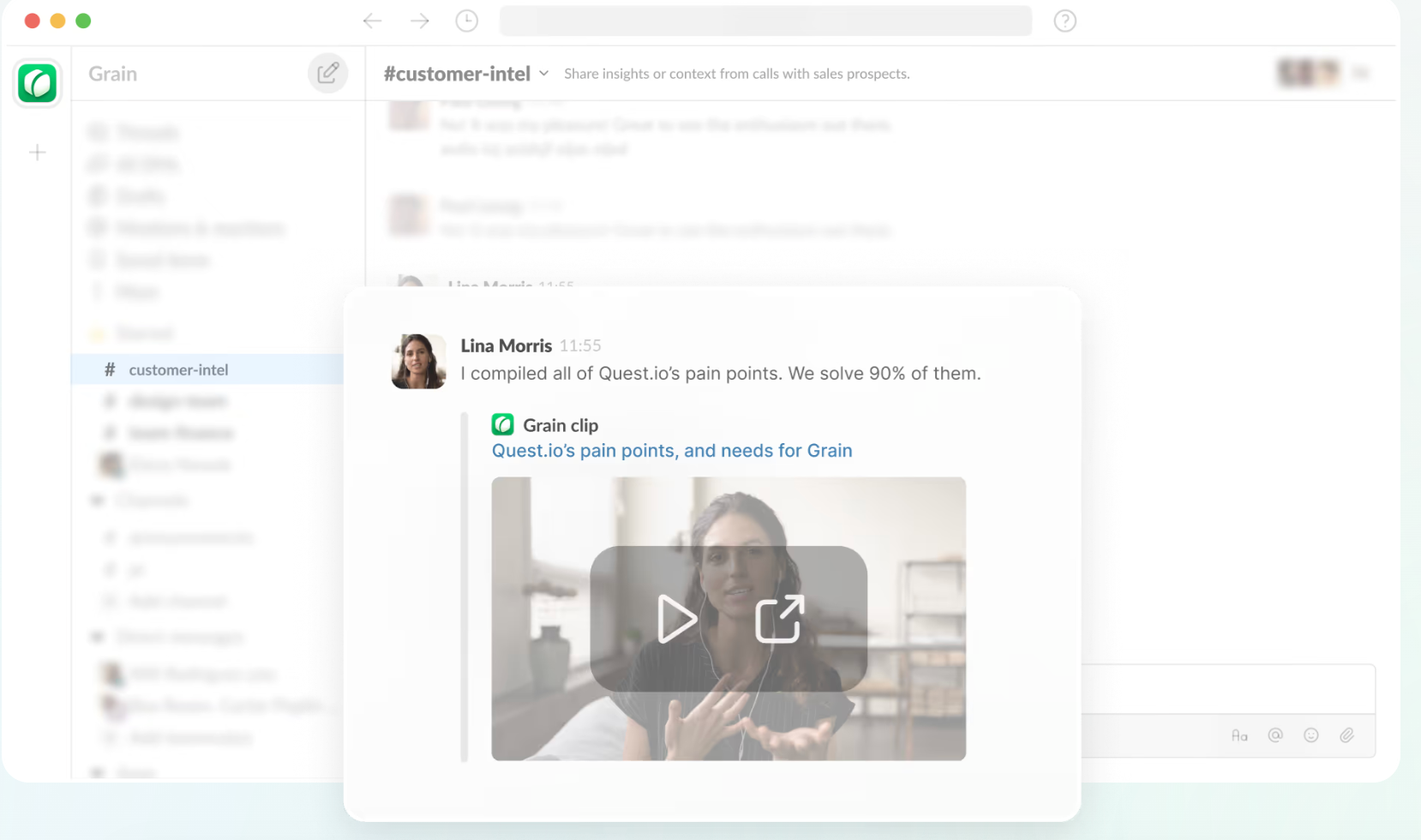
6. Grain
Reviewing your own discovery calls is one of the fastest ways to get sharper, but enterprise call tools cost a fortune. Grain records, transcribes, and pulls highlights, with a free tier that covers solo use. It is the scrappy alternative to the Gong-and-Chorus world. Go back through a call after it ends and you will catch the buying signals you missed live.
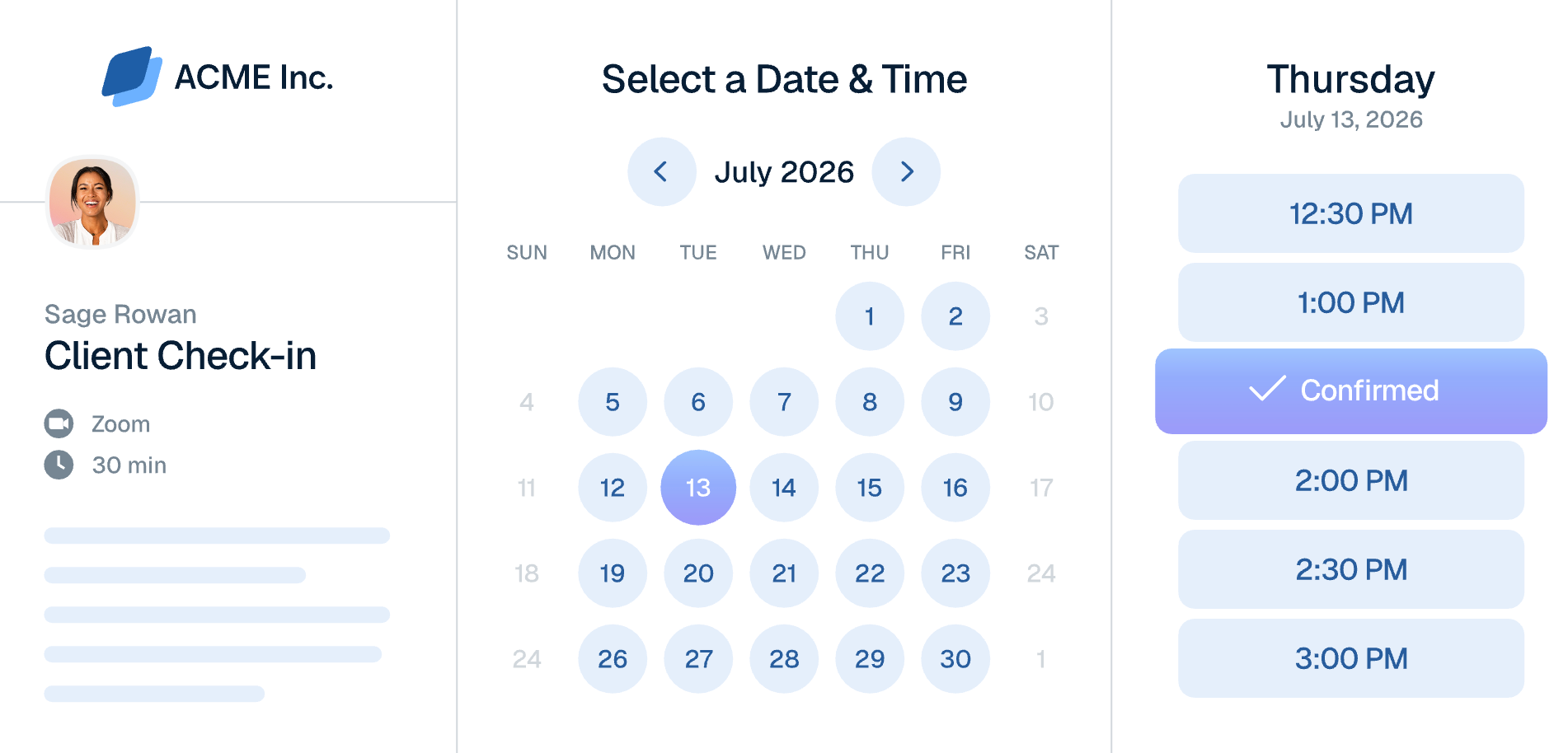
7. Calendly
Scheduling demos and follow-ups across time zones is a quiet time sink. Calendly kills the back-and-forth email chain. Share one link, let the prospect pick a slot, and move on. The free tier handles a single calendar without trouble.
Start with your worst time drain
You do not need to set all seven up this week. Pick the one tool that hits your biggest bottleneck, whether that is getting demos in front of more people, answering the same technical questions over and over, or keeping deals straight in your head. Get that working, then add the next one. The goal is simple. Spend less of your week on busywork so you have more of it for the parts of presales that actually win deals.
